
6.3 to 7.1 > A Redesigned CabbiCore Console
The headline of this release is a full redesign of the CabbiCore console, alongside a handful of smaller improvements to Features, bulk tools, and customer ban workflows.
🧭 A Redesigned CabbiCore Console
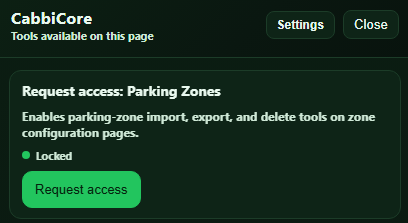
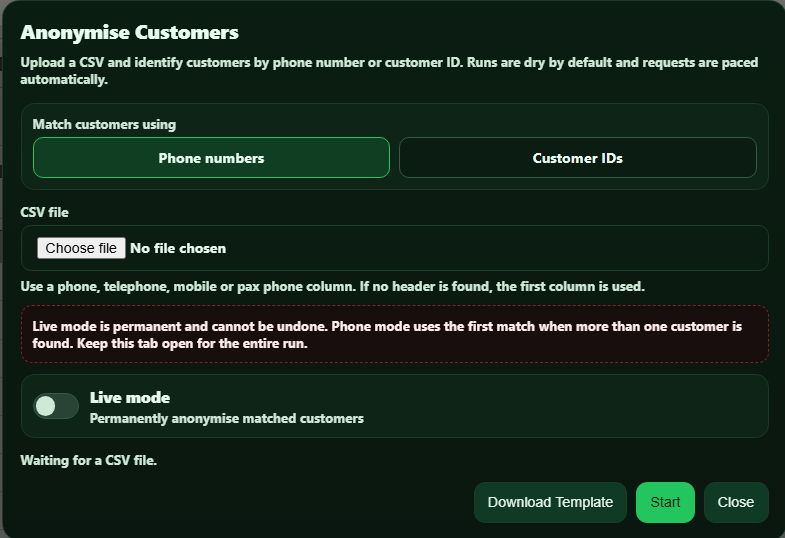
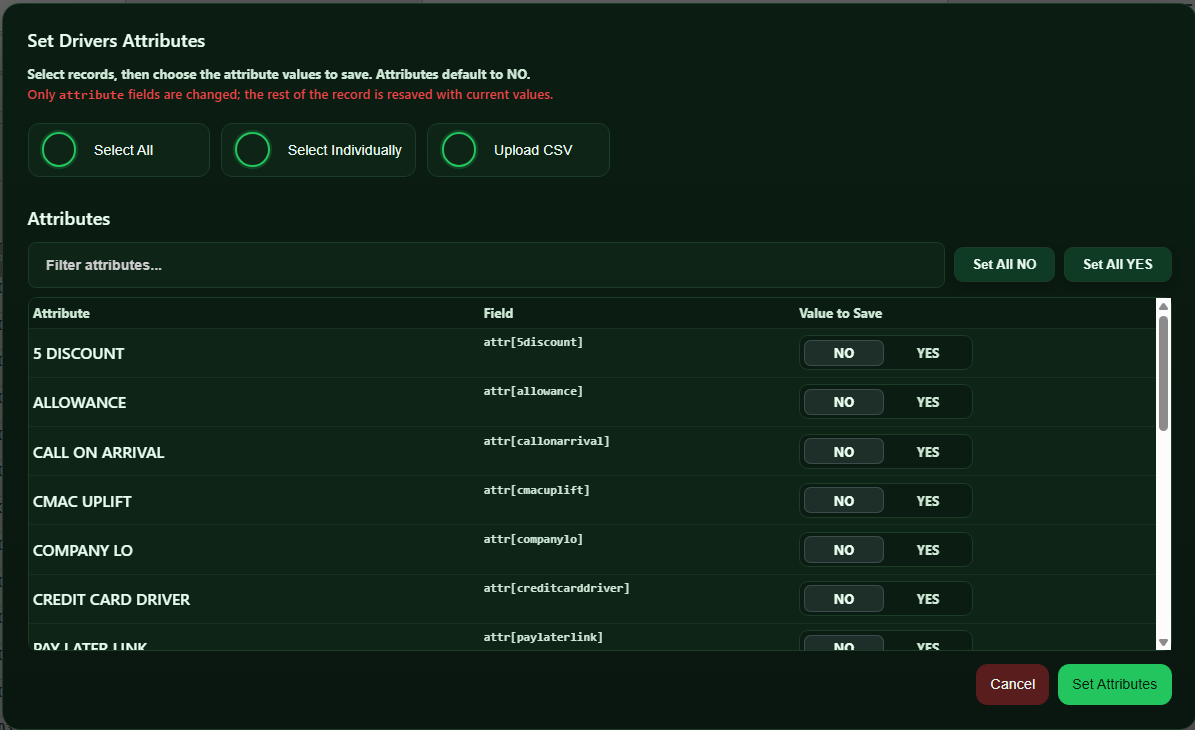
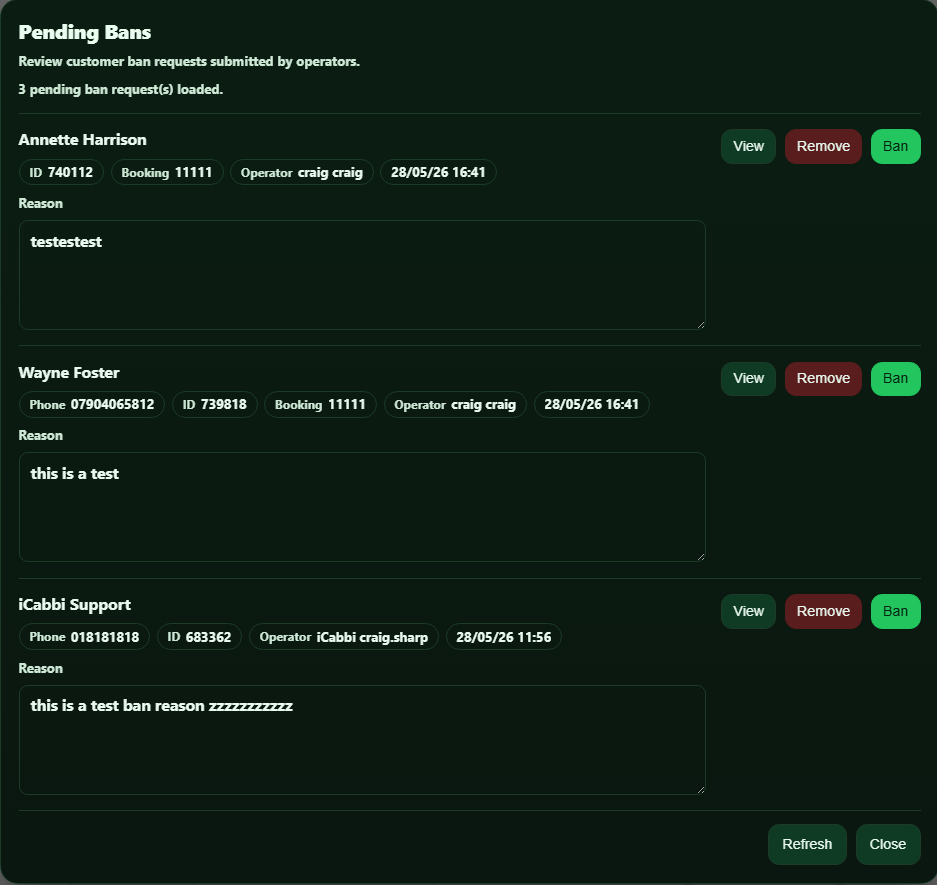
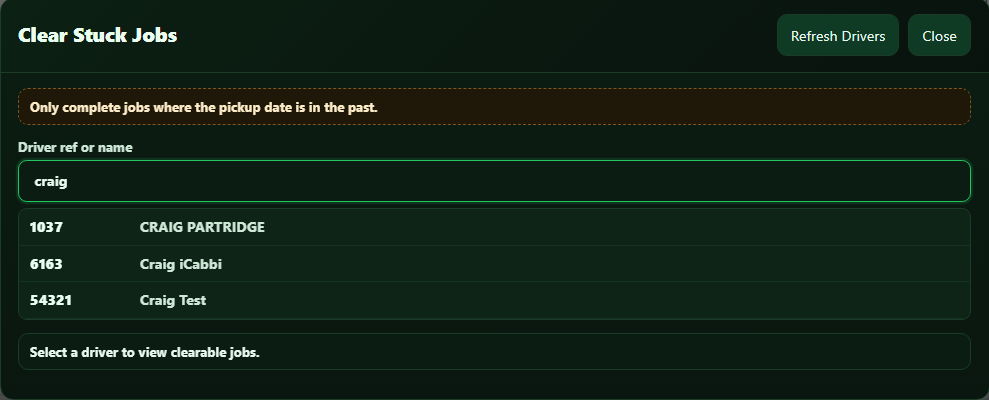
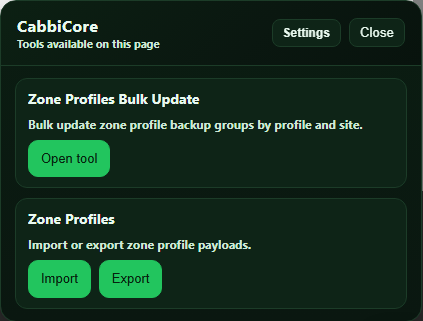
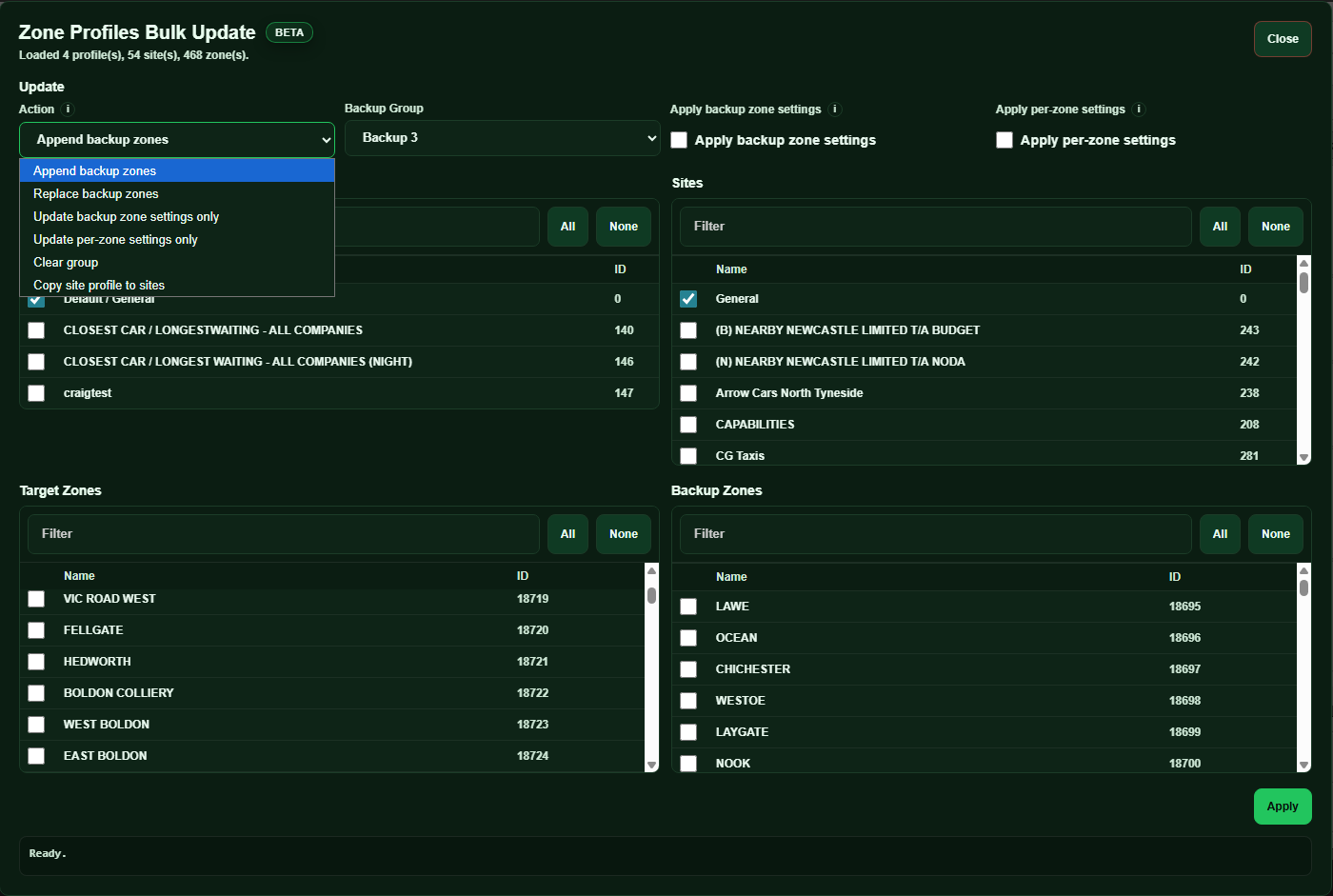
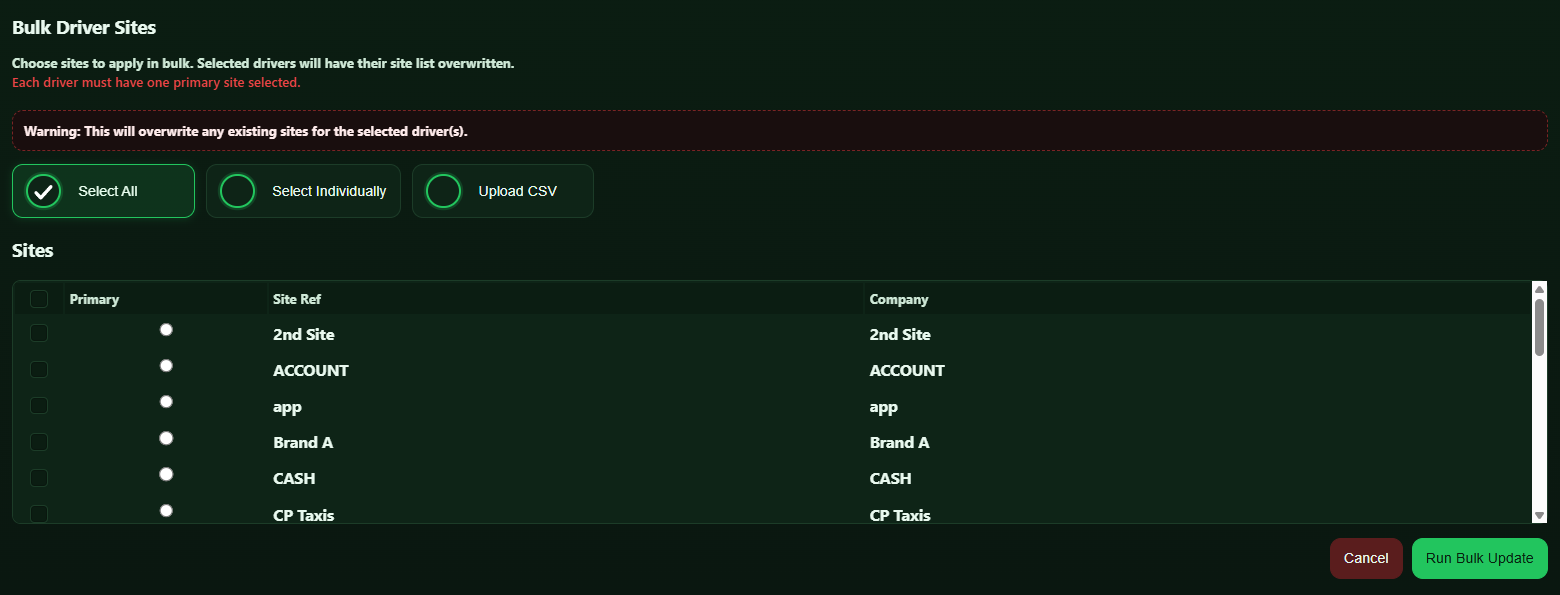
The floating CabbiCore console has been rebuilt from the ground up. It now opens automatically on hover (switchable back to click in Console Settings) and stays available on every dispatch page, so Features is always within reach. Every popup and wizard across the extension now shares a single, consistent look, replacing the mix of styles that had built up over time.
A new refresh button sits directly in the console. If something looks out of date, one click clears every cache the extension keeps and reloads the page.
🧩 Features Panel Improvements
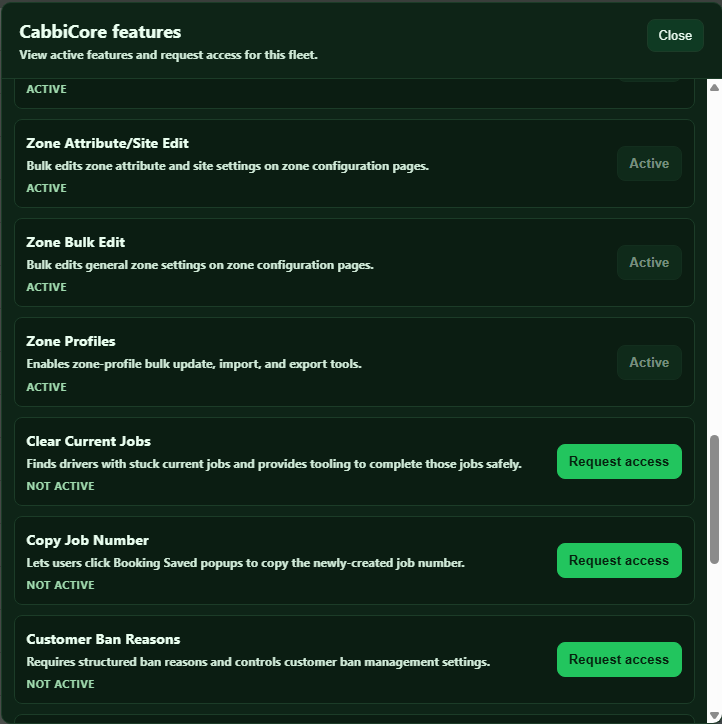
The Features panel now includes a search box, a "Go to page" button that jumps straight to an enabled feature, and a live count badge on the console. Browsing and requesting features is limited to fleet admins, keeping requests in the hands of people who can action them.
📁 Bulk Tools: CSV Instead of Google Sheets
Bulk Priority Schedules and Bulk Driver Templates no longer need a shared Google Sheet. Both now use a simple upload and download CSV flow instead.
🚫 Customer Ban Improvements
Ban requests can now include several bookings in one go, each with its own amount and driver reference. Banning or unbanning a customer from the Users page now refreshes the table automatically, and the Pending Bans screen lists multiple bookings clearly, one per line.
⚙️ Other Improvements
Hook Templates is now a shared library across CabbiCore fleets, so an approved template from one fleet can be reused by others
Bulk driver, vehicle, and zone updates now pace themselves automatically, with an adjustable delay in Console Settings
General performance improvements to reduce repeated network requests
❤️ Thank You
These updates continue our work to make CabbiCore more reliable and easier to use across different fleet setups. If anything does not look right, please contact us through the support form.